Banner

Delivering value continuously
Asta Powerproject version 17 enhances your user experience with all-new planning features, streamlines product updates, and introduces more seamless ways to stay compliant and work together.
Text
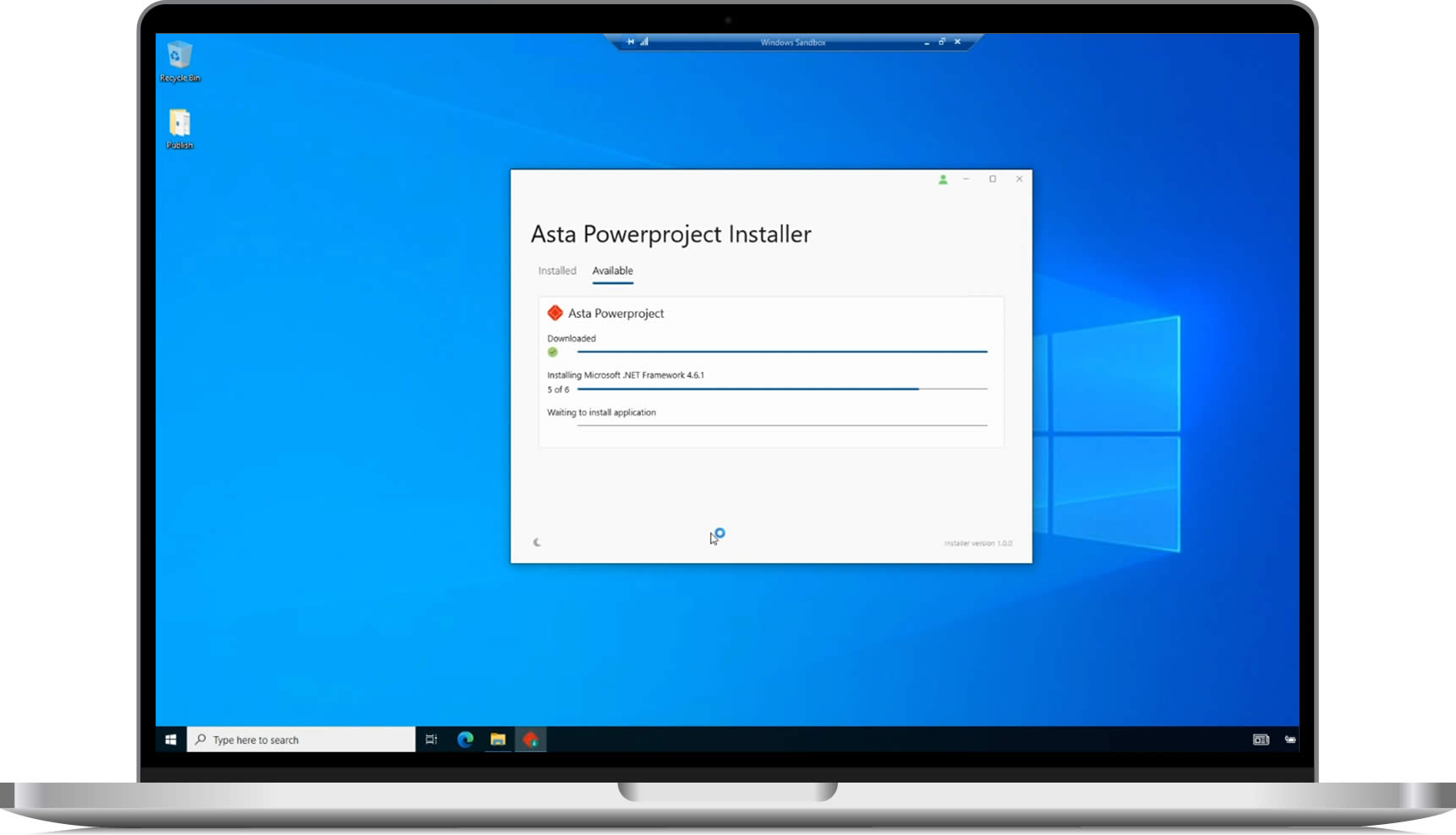
Asta Powerproject Installer
Image Text Columns
Single Image
Text
Get started easier than ever before
Text
Software Release Automation
A brand-new installation and update notification mechanism underpins version 17 simplifying how you access the latest build of Asta Powerproject in the language you want. Meaning you can take advantage of the latest enhancements from day one.
Rapid Response
Security and software improvements applied faster than ever.
Text
Asta Powerproject View
Image Text Columns
Single Image
Text
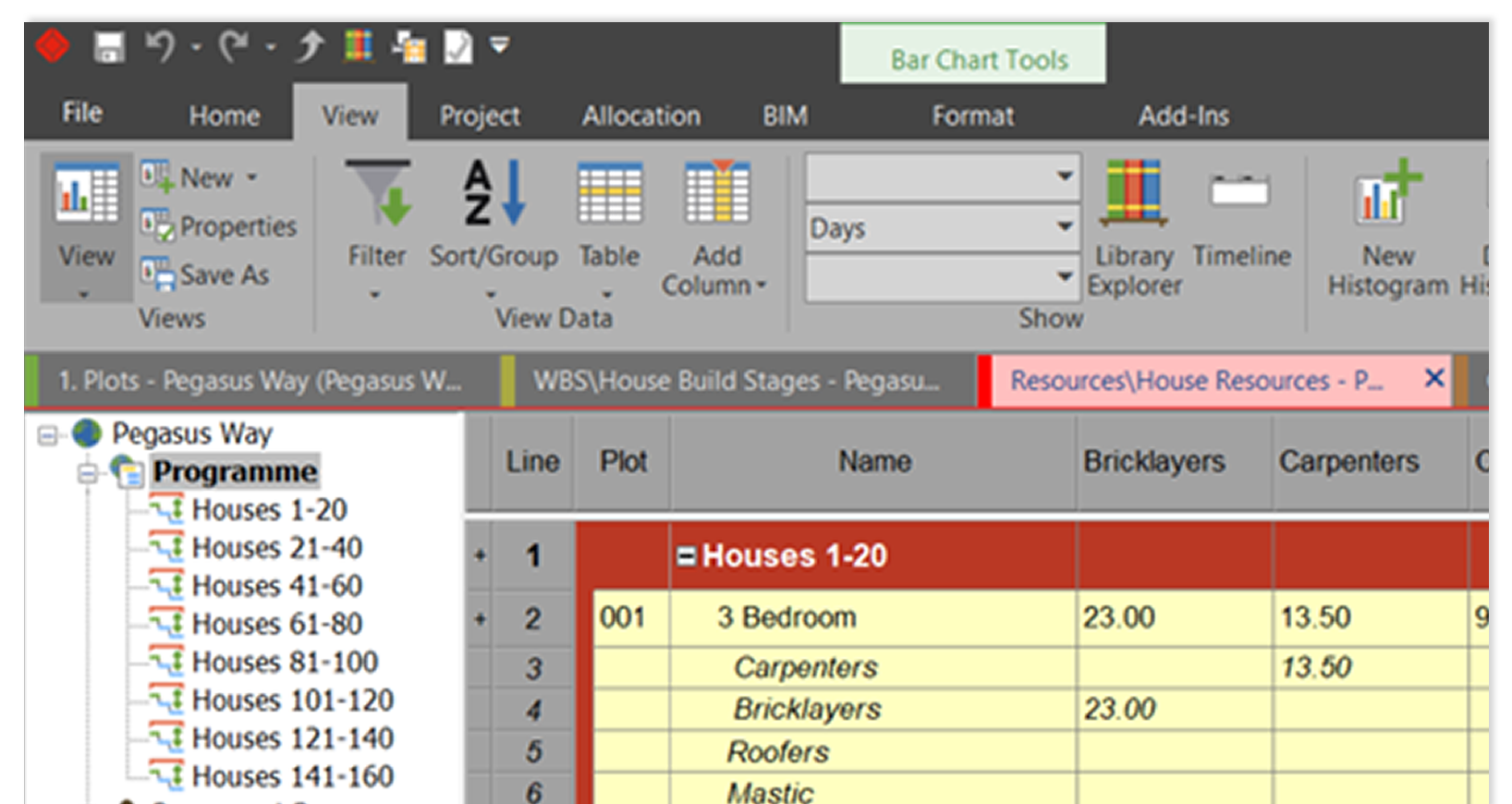
Project Tab Colours
Personalise and enhance how you organise and navigate your views and data by adding colour to each tab to differentiate between them. Adding colour will help you visualise your project workspace.
Single Image
Text
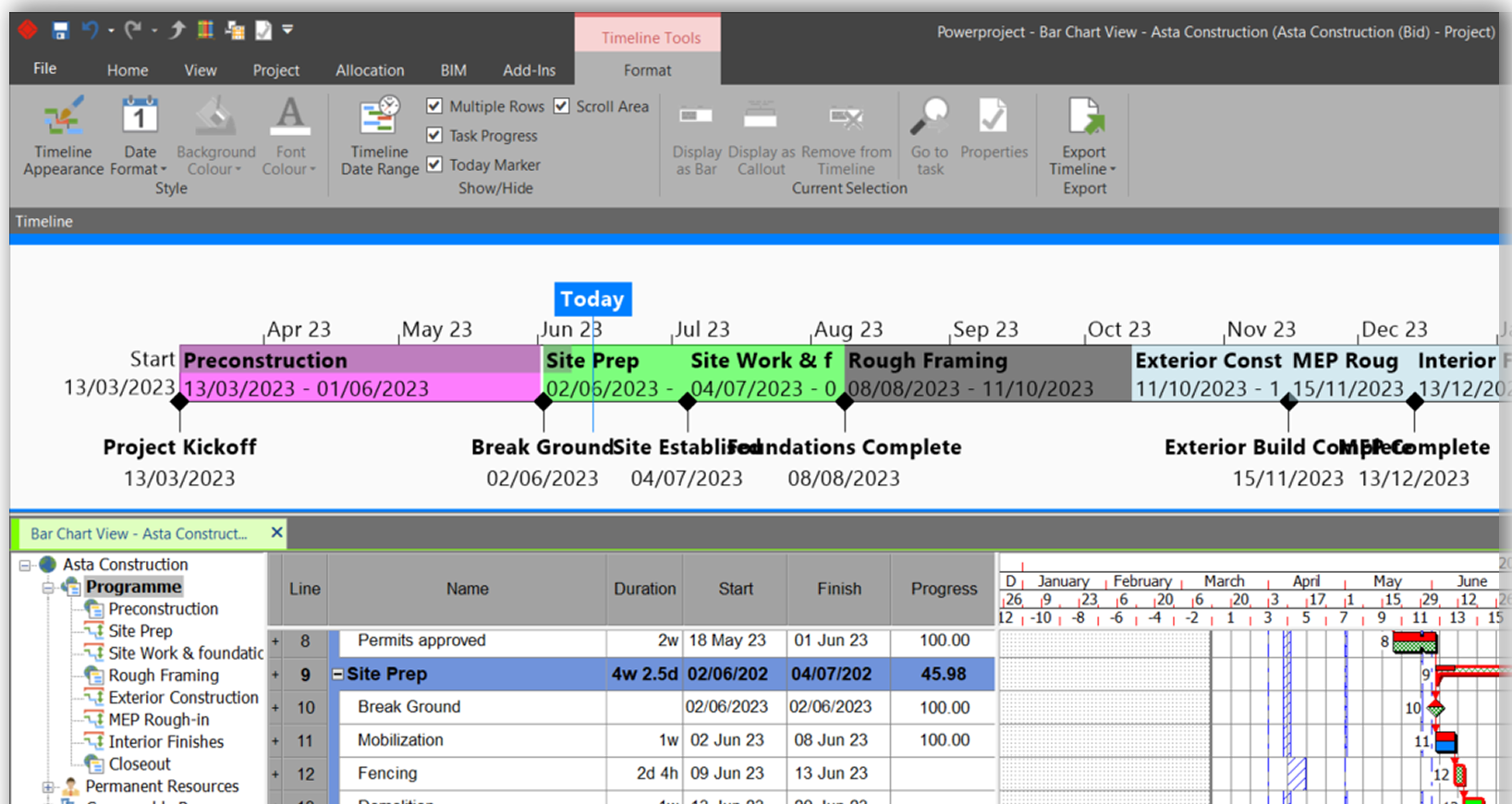
Project Timeline
The Project Timeline allows users to present an overview of key tasks and activity data within the project whilst also provide a quick way to navigate to key parts of the project.
Text
Autosave
Image Text Columns
Single Image
Text
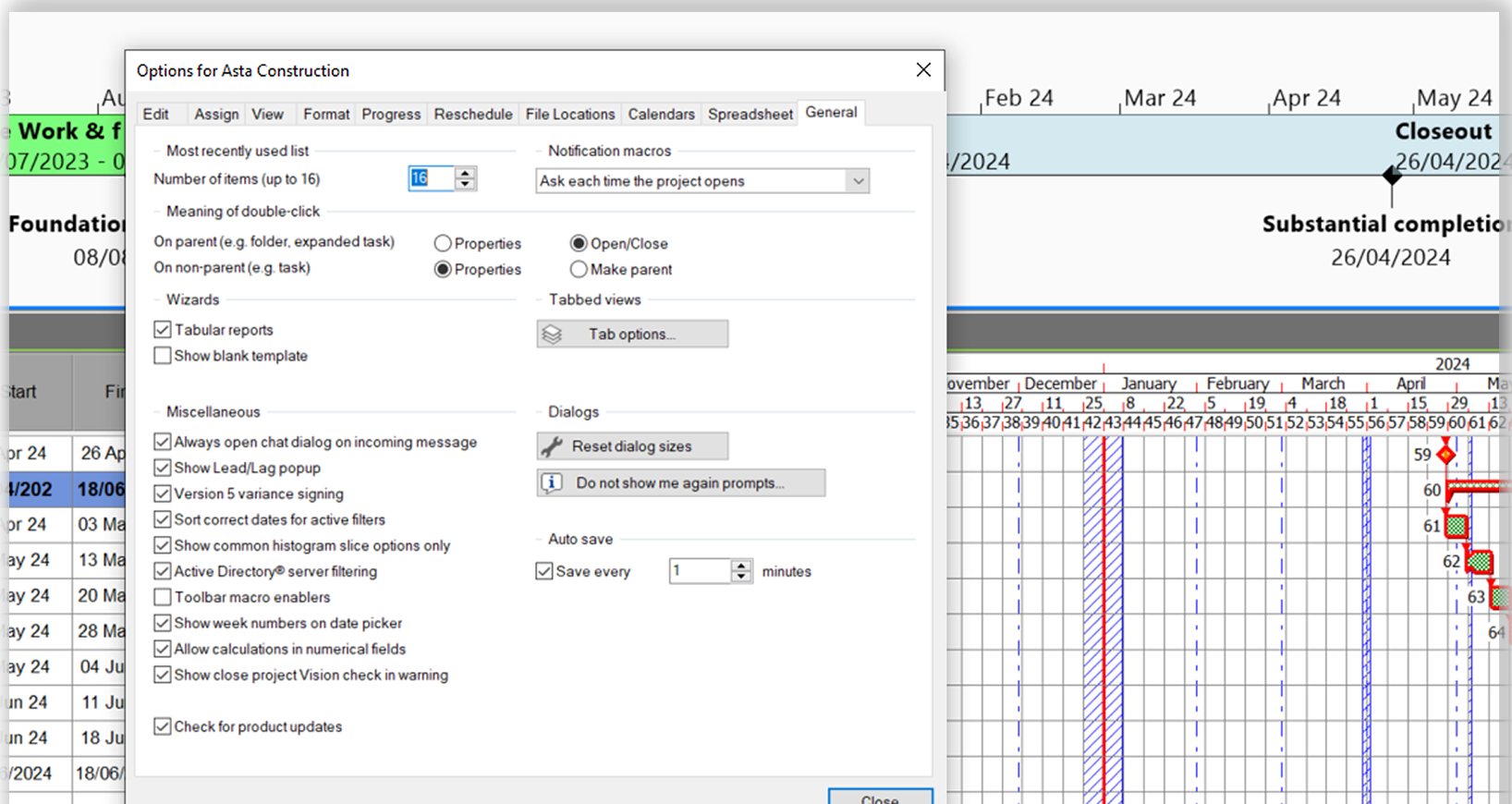
Automatically save changes
The new autosave feature will save work automatically based on your configuration. The default autosave setting is 10 minutes but can be customised to save work more or less frequently.
Text
Compliance Simplified – Coming soon
Image Text Columns
Single Image
Text
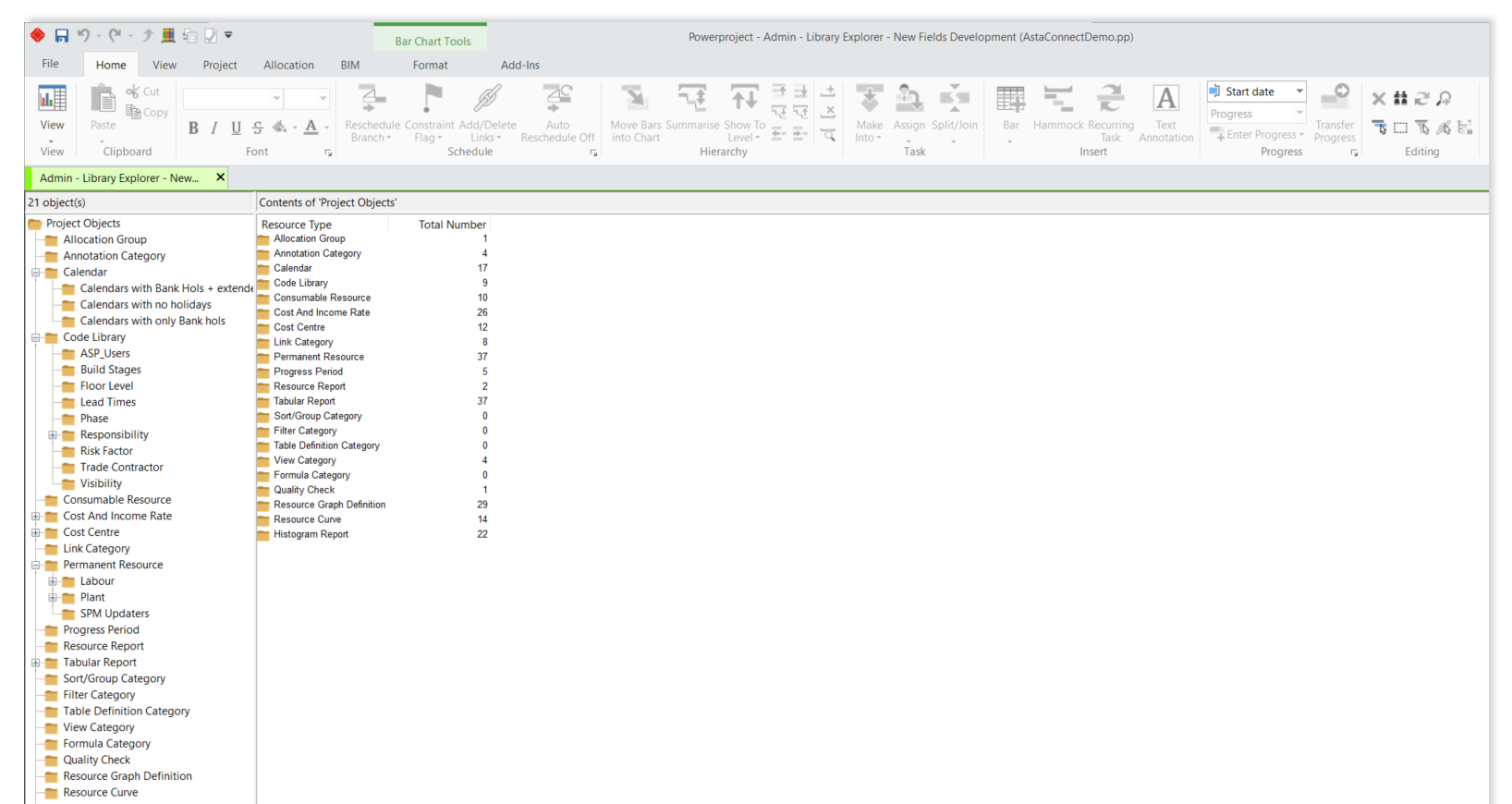
Global project template library
Centrally administer Asta Powerproject template libraries so that you have full control over your project standards with the upcoming global library management module. (Coming soon)
Text
Share – Coming soon
Image Text Columns
Single Image
Text
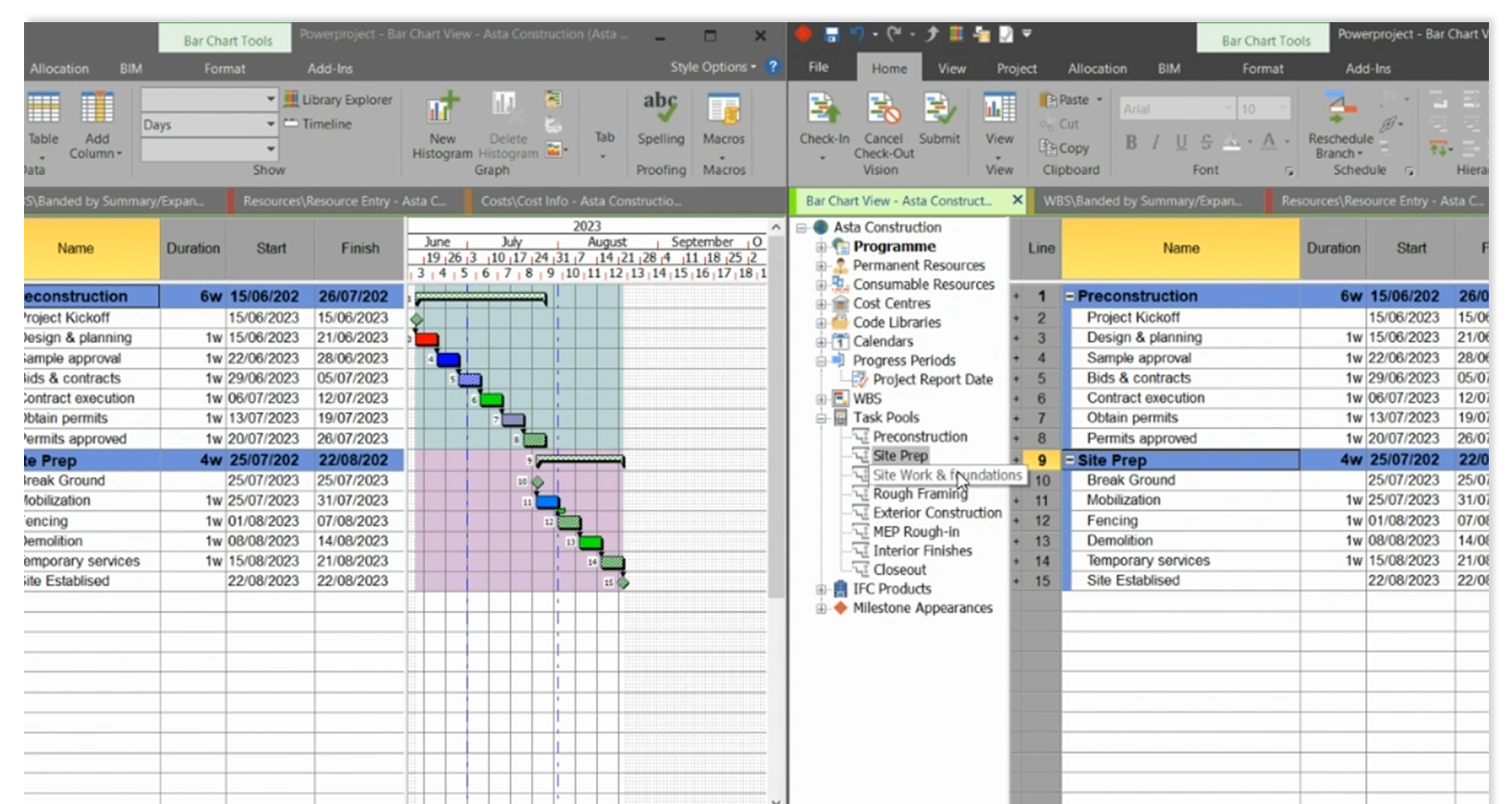
Smart ways to share
Set up a Shared Project Library with our new real time collaboration module so that users can choose which projects they want to work on with others. Projects that are shared are then automatically available for others to join directly within Asta Powerproject. (Coming soon)
Edits and changes sync everywhere
Everyone has equal permissions for adding and editing the project. So, any changes one person makes to a project, ensures everyone benefits.